
Find Restrooms. Get Access Codes. Go In.
PottyPins is the fastest way to find clean public restrooms near you. Our community shares door codes and PINs so you can get in without the hassle.
What is PottyPins?
PottyPins is a free, community-driven app that helps you find nearby public restrooms and get inside fast. No account needed to search — just open the app, tap "Find Near Me," and see restrooms on an interactive map with real-time info.
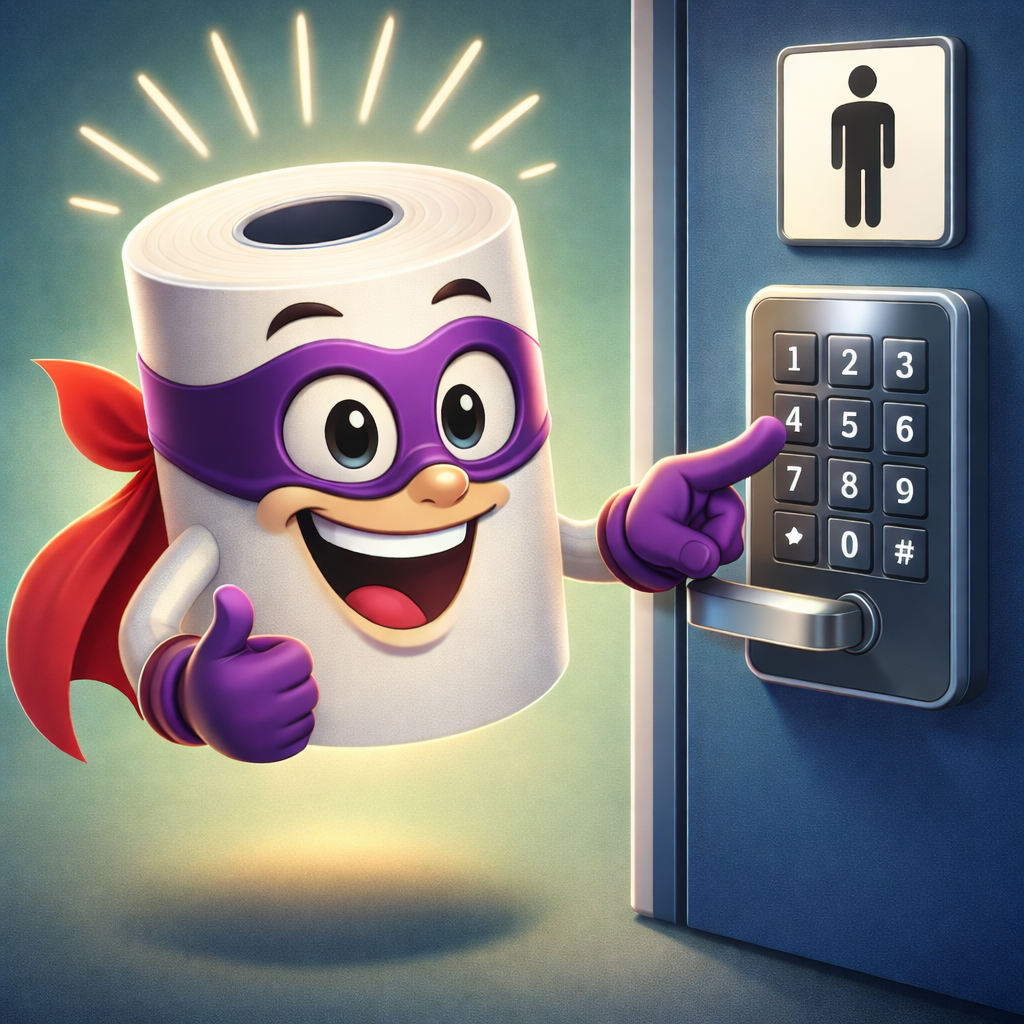
What makes PottyPins different? Door codes and PINs. Many public restrooms are locked and require an access code. Our community shares and verifies these codes so you can walk right in instead of searching, asking around, or making a purchase first.
Whether you're a parent with a toddler in an emergency, someone managing a medical condition like IBD or Crohn's, a traveler in an unfamiliar city, or anyone who just needs to go — PottyPins gets you there faster.
What Are PottyPins?
The "Pins" in PottyPins are the door codes and access PINs that our community shares. Here's how it works:
Tap "Find Near Me" or search by zip code. Restrooms appear on the map with ratings and distance. No sign-up required.
See the PIN right on the listing — that amber badge with the lock icon is the access code. Shared and verified by other users so you know it works.
Use the code and go. Afterward, confirm the PIN still works or share a new one if it's changed. You'll earn XP for helping the community.
Honest Ratings You Can Trust
Our community rates restrooms on 16 real-world criteria so you know exactly what to expect before you go.
Cleanliness
Toilet, sink & floor
Supplies
Soap, paper & towels
Accessibility
Wheelchair & grab bars
Family
Changing tables & space
Privacy
Locks & stall doors
Safety
Lighting & location
Quality
Overall condition
Recommend
Would you return?
Plus 8 more criteria including odor, hot water, mirror condition, and more.
Install PottyPins on Your Phone
PottyPins works in your browser, but for the best experience install it on your home screen. It's free, takes 10 seconds, and gives you faster access plus push notifications.
Open pottypins.com in Safari and tap the Share button at the bottom
Scroll down and tap Add to Home Screen
Tap Add — PottyPins will appear on your home screen like a native app
Open pottypins.com in Chrome — you may see an Install banner automatically
If not, tap the three dots menu in the top right corner
Tap Install app or Add to Home screen
Stay in the Loop
Turn on push notifications to get alerted when new restrooms, door codes, or activity happens near you. You control exactly what you hear about.
Nearby Locations
Get notified when a new restroom is added within your chosen radius.
New Door Codes
Find out when someone shares or updates a PIN near you.
Achievements
Celebrate when you level up or earn a new badge.
Friend Activity
See when friends add locations or send you messages.
Your Contributions
Know when someone rates a restroom you added.
Fully Customizable
Toggle each category on or off from your profile settings.
To enable notifications, sign in and go to Profile → Settings → Push Notifications.
Earn XP & Level Up
Every contribution helps the community and earns you experience points. Climb the ranks from Bathroom Newbie to Lavatory Legend.
Add a location
50 XP
Share a door code
25 XP
Rate a restroom
10 XP
Upload a photo
10 XP
Confirm a PIN works
5 XP
Add a tip
5 XP
Our Values
Built by and for our community. Every rating, PIN, and review helps make life a little easier for the next person.
Everyone deserves access to clean restrooms. Our ratings include wheelchair accessibility, changing tables, and family-friendly info.
Honest, detailed reviews from real users. No sponsored listings hiding bad restrooms — just real community feedback.